
IBKR Security & Support Center
Protect your investments with industry-leading multi-factor authentication, IB Key verification, and instant troubleshooting guidance.
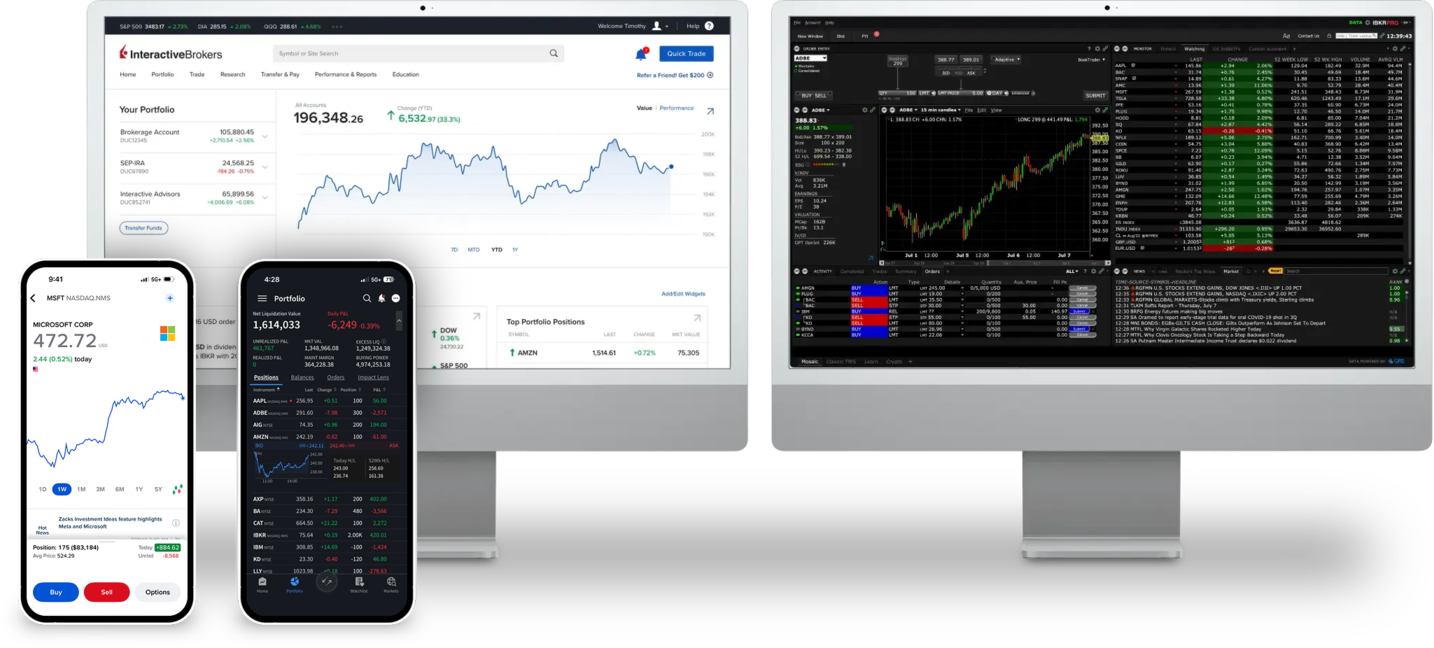
Robust Security Architecture
Protect your assets with industry-leading security protocols and multi-factor authentication standards designed for global investors.
IB Key Two-Factor Authentication
Secure your login sessions directly through the mobile app authentication pin or biometric prompt for seamless validation.
Encrypted Data Transmission
All trading orders, account details, and portfolio data are fully protected with advanced encryption standards during transfer.
Real-Time Session Monitoring
Maintain complete visibility over active sessions across desktop, web, and mobile environments with automated security alerts.
Step-by-Step Security Setup & Onboarding
Follow our structured workflow to ensure your account is properly protected from your first login onwards.
Verify Installation Source
Always retrieve verified application packages directly from our official download center to ensure software authenticity.
Activate IB Key 2FA
Link your primary smartphone to enable biometric verification and secure push notification login prompts.
Configure Recovery Tools
Set up trusted contact methods and security questions to ensure fast account recovery if credentials are forgotten.
Frequently Asked Questions
Resolve typical questions regarding app access, updates, and session management instantly.